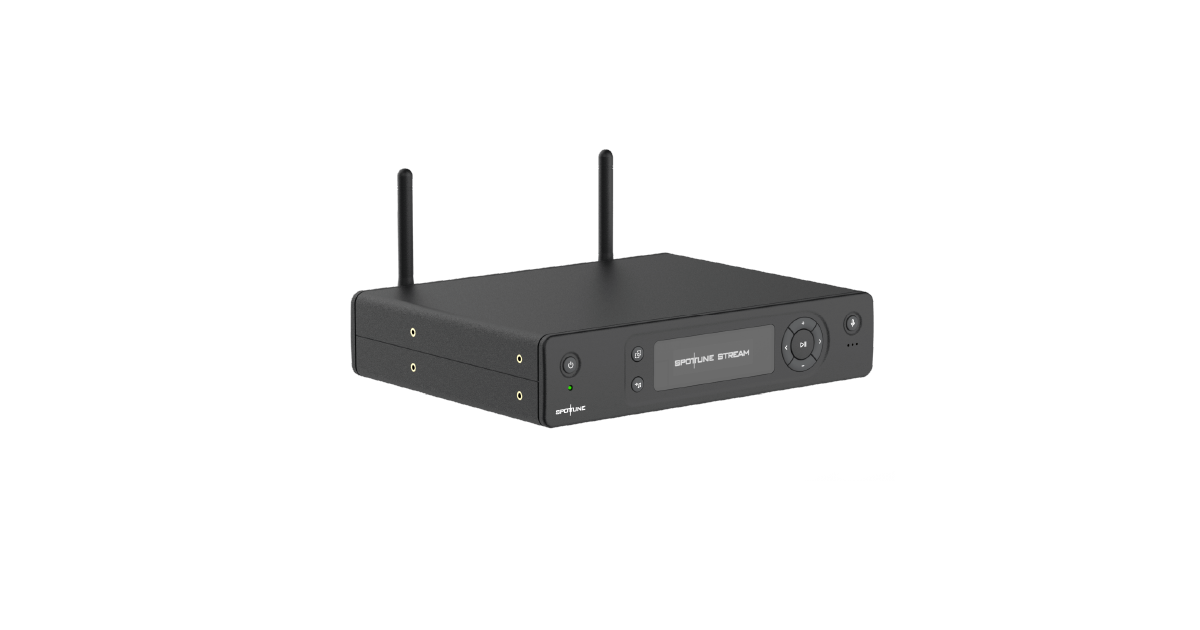
Spottune’s official guide starts with the Stream transmitter, power supply and two antennas. The antennas attach to ANT1 and ANT2 and should form a V shape, as specified by the manufacturer.
A wired LAN connection supports cloud features, streaming services and firmware updates. Optional USB music and the 3.5 mm AUX input add source flexibility; they serve different roles from the network connection.
Connecting the supplied power supply starts the unit automatically. The guide is a useful setup reference for commercial background music, alongside the project’s network and coverage plan.
Product / Technology
Connections with clear roles
- V-shaped antenna arrangement
- LAN, USB and AUX connections
Applications / Use cases
- Commercial background music
- System setup and support